Case Study: Replacing WhatsApp and Excel with a Centralized Fault Reporting System

Thomas is an assistant manager at a facilities management firm. Together with his team, he oversees multiple sites, with staff stationed across different locations. Every day, they handle reports from occupants on issues ranging from leaking taps and cracked walls to burst pipes and faulty electrical systems.
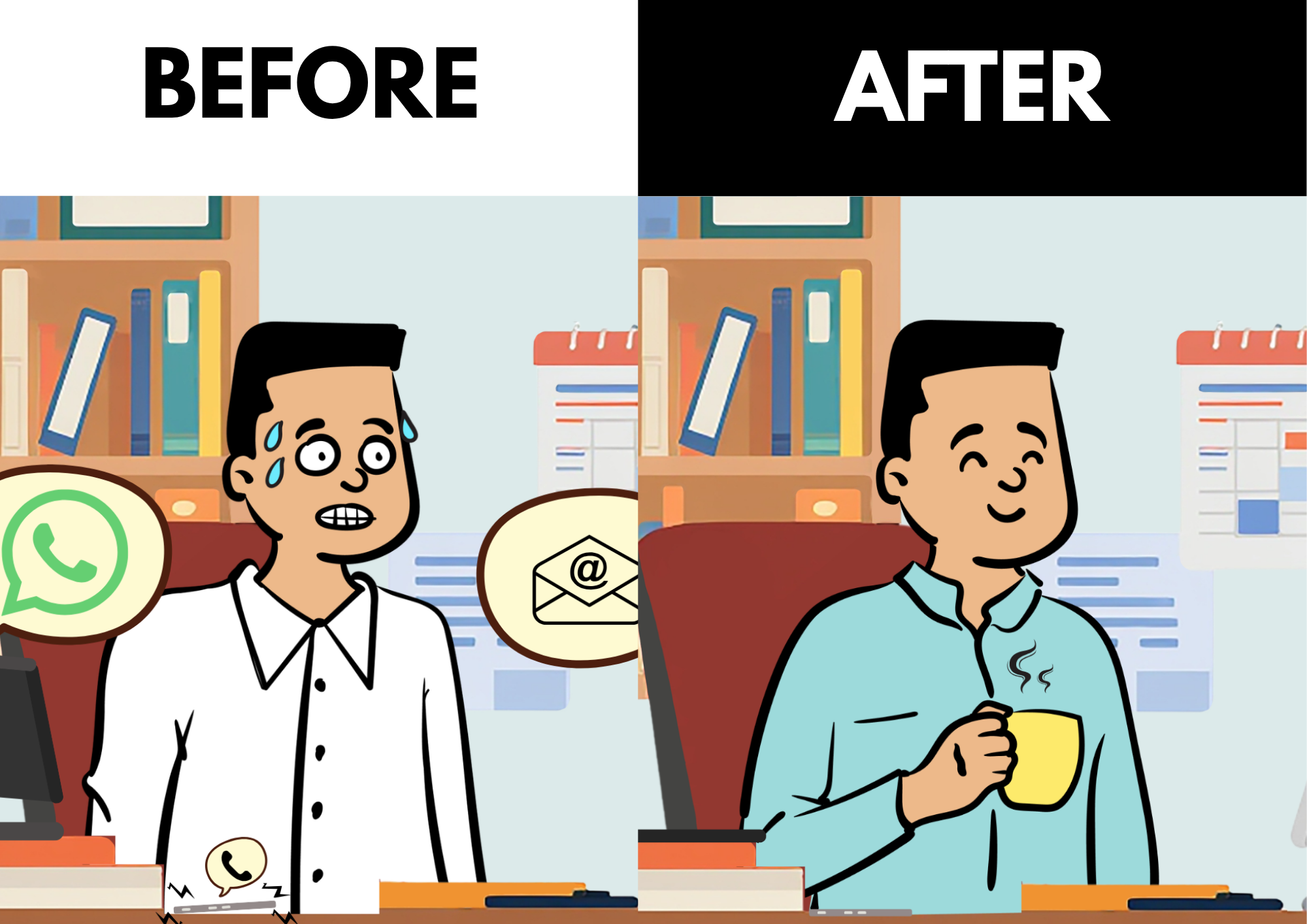
On the surface, the reporting process seemed convenient. Team members would verify the issue before forwarding it to Thomas via WhatsApp or email. Thomas would then manually recorded every case in an Excel spreadsheet before dispatching a contractor.
But beneath the surface, the process was broken.
The Problem
Without a common platform, information was scattered across spreadsheets, WhatsApp conversations and emails. There was no standard reporting format and inconsistent reporting resulted in contractors occasionally being dispatched to the wrong site or assigned tasks outside their area of expertise.
When a job was completed, contractors typically informed Thomas via WhatsApp with a photo or a short message. These updates were forwarded to the group chat, but could easily become buried among hundreds of other messages.
Sometimes, a completed case remained marked as “Open” simply because the completion message was overlooked.
A week later, another team member might ask Thomas for an update for the “Open” case. Assuming the work had never been completed, Thomas would arrange another contractor visit.
These unnecessary site visits incurred wasted costs and frustrated the contractors.
The Biggest Headache
The true pain arrived at the end of every month. Thomas had to prepare management reports showing Total faults reported, Cases resolved, and Outstanding cases.
Unfortunately, the information wasn’t stored in one place. If a spreadsheet entry lacked a completion photo, Thomas had to search through weeks of WhatsApp conversations and email threads hoping to find it.
Sometimes the photo existed. Sometimes it didn’t.
Perhaps the contractor’s phone battery had died. Perhaps no photo was necessary. Perhaps someone simply forgot.
In any case, Thomas had to spend hours searching for information that might never have existed.
Preparing the monthly report became detective work.

The Solution: A Centralized Fault Reporting System
Thomas approached us for a solution that was intuitive and simple enough for his team to adopt with minimal training. He wanted something that could help minimize communication over the WhatsApp group.
Rather than simply digitising the existing process, we redesigned the workflow. We built a custom web-based application, hosted securely on the company’s internal server, featuring:
- Standardized Reporting: A dedicated form with drop-down menus, reducing typing, and ensuring every report followed the same format.
- Approval Workflows: We implemented user authentication, ensuring that only authorized supervisors have the rights to mark a case as “complete.”
- Automated Notifications: Unlike the group chat, where everyone received updates about every case, users are now only notified when cases relevant to their specific sites and roles are reported, updated, or resolved.
- One-Click Reporting: The monthly report, which once took days to prepare, is now generated instantly just by selecting a date range and clicking Generate.
- Familiar Interface: Even though the backend process is entirely different, the case list still looks very similar to the Excel spreadsheet Thomas was already comfortable using.
Going One Step Further: The “Smart” Dashboard
We didn’t stop at solving the immediate problem. We looked for additional ways to make day-to-day case management faster, clearer and more intuitive.
Completed cases are hidden by default, allowing the team to focus only on active work while still making completed records available whenever needed.
To prevent cases from falling through the cracks, we implemented a dynamic, color-coded dashboard:
- Green: New cases.
- Orange: Unresolved cases (a few days old).
- Red: Urgent cases (over a week old).
Cases are sorted by reported date. Older unresolved cases automatically appear at the top of the list.
This simple visual cue ensures Thomas can identify and address backlogs at a glance, virtually eliminating the risk of forgotten or overlooked cases. The cleaner dashboard also helps Thomas prioritize work more effectively.
The Results

By replacing three disconnected tools with one integrated system, Thomas and his team transformed the way they managed facility operations.
| Feature | Before | After |
|---|---|---|
| Fault Reporting | Inconsistent formats | Standardized form |
| Workflow | WhatsApp + Email + Excel | One centralized platform |
| Monthly Reporting | Manual reconciliation | One-click generation |
| Communication | Scattered | Automated notifications |
| Case Oversight | High risk of errors | Colour-coded prioritization |
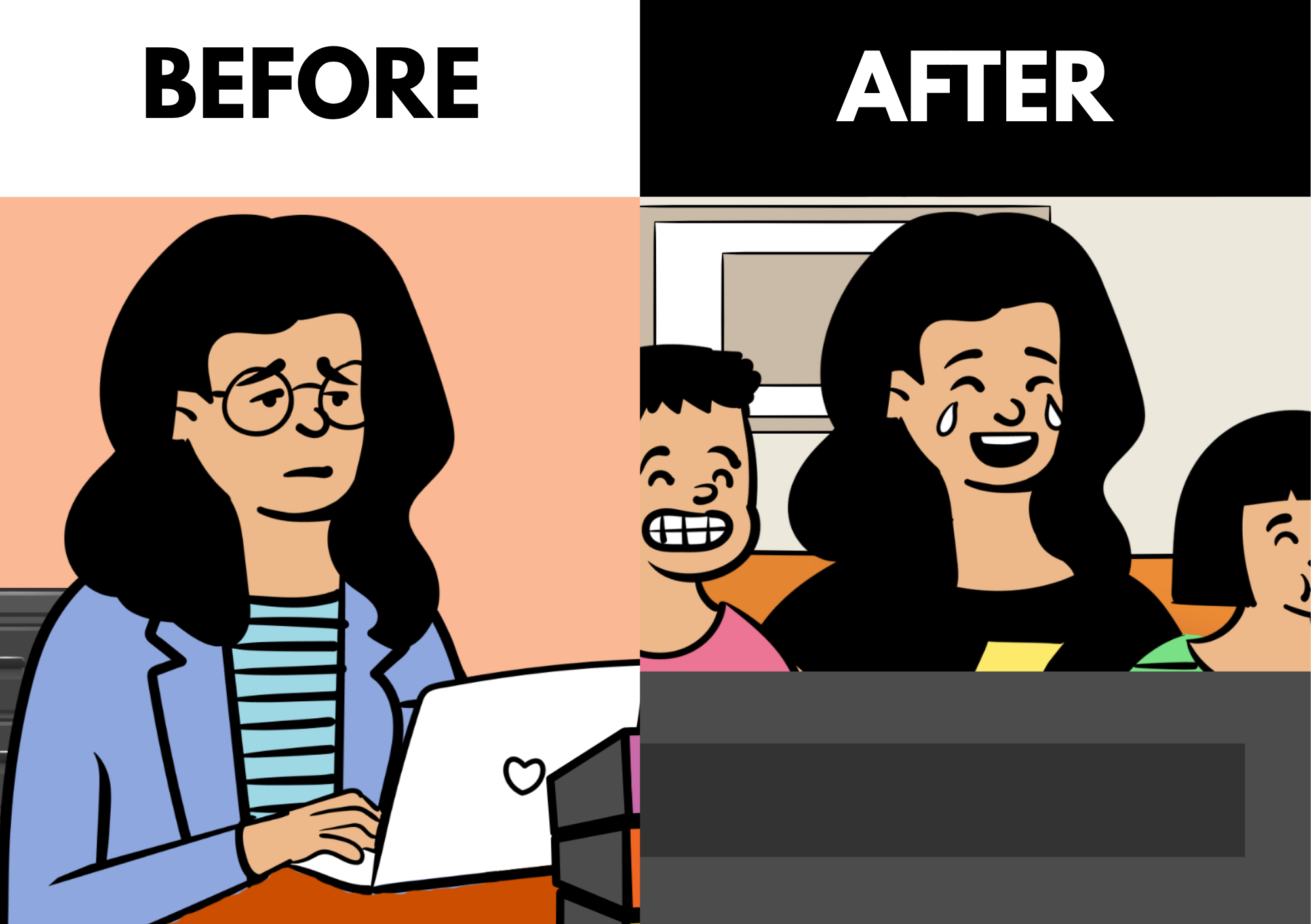
Most importantly, the team now spends less time chasing information and more time solving problems.
More Than Just a Website
Many people think of websites as digital brochures used to attract new customers. In reality, a web technologies can also become the robust software that powers your business.
Thomas’s success story proves that a web application can turn into a system that manages complex operations, improves communication and automates reporting.
Sometimes, the biggest productivity improvements don’t come from buying expensive enterprise software. They come from building the right solution for the way your business already works.
Does your team still rely on spreadsheets, email and messaging apps to manage day-to-day operations? There may be a simpler way.
We design practical, cost-effective web-based systems that streamline workflows, reduce manual work and help businesses operate more efficiently. If your team spends more time chasing information than solving problems, let’s discuss how a custom web application can simplify your workflow and free your team to focus on what matters most.